
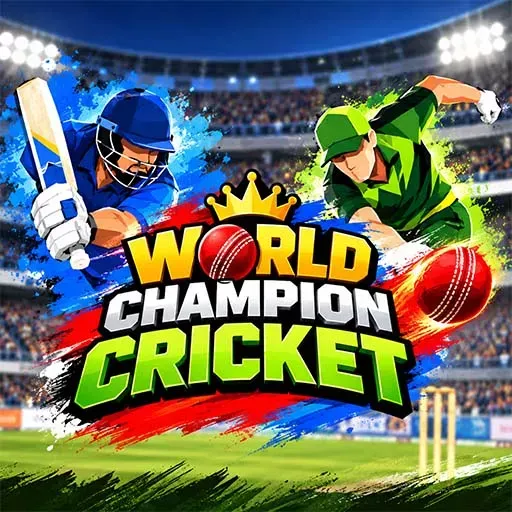
World Champion Cricket
Game Specs
- Developer / Studio
- Khelogy
- Technology
- HTML5 / WebGL Browser
- Device Support
- PCAndroidiOS
- Orientation
- Horizontal
- Release Date
- Sep 07, 2026
Related Sports Games Games
Handpicked titles you might also enjoy



About World Champion Cricket
Overview & gameplay details
World Champion Cricket
How to Play & Controls
Master the mechanics and keyboard shortcuts
Controls
1. PLAYER CONTROLS (PC vs. MOBILE WEBGL)
--------------------------------------------------------------------------------
The game automatically detects the player's platform using PlatformDetector:
A. PC / DESKTOP BROWSER CONTROLS:
[BATTING]
- Mouse Swipe / Drag : Click & drag across the screen to aim your shot (360 degrees).
- Mouse Move / Arrows: Reposition batsman across the crease.
- [A] Key : Toggle Loft / Power Shot.
- [D] Key : Take Run between wickets.
- [C] Key : Cancel Run between wickets.
- [S] Key / Left Click: Trigger shot timing / Bowl confirmation / Skip Replay.
[BOWLING]
- Mouse Click & Drag : Move the bowling spot marker on the pitch.
- Arrow Keys : Fine-tune the bowling spot marker.
- [S] Key : Lock bowling spot.
- [A] Key : Change swing settings (Out-swing / In-swing / Straight).
- Left Click / [S] : Stop bowling speed meter for delivery.
[TOSS]
- Mouse Swipe Up : Flip the coin during Toss.
B. MOBILE WEBGL / TOUCH CONTROLS:
[BATTING]
- Touch Swipe : Swipe finger in any direction to select batting shot angle.
- Touch & Drag : Drag on screen to reposition the batsman left/right.
- On-Screen Buttons :
* "Loft" Button : Toggle Power / Ground shots.
* "Run" Button : Run between wickets.
* "Cancel" Button: Cancel active run.
[BOWLING]
- Touch & Drag Pitch : Drag finger on pitch to place the bowling target marker.
- On-Screen Meters : Tap to adjust Swing, Spin, and Bowling Speed.
[TOSS]
- Touch Swipe Up : Swipe up on coin to flip.
 Sports Games